

AI romance drama maker
Make an AI romance drama from one line
InkFlick is an AI short-drama maker that turns a romance idea into video. Type one line or start from a photo, and Quick Clip films a finished 5–30 second shot. For a love story that continues, Director Mode writes the script, builds storyboards and reusable actors, then adds episodes that keep the same couple on screen.
Free to download · 500 welcome Credits · AI generation uses Credits
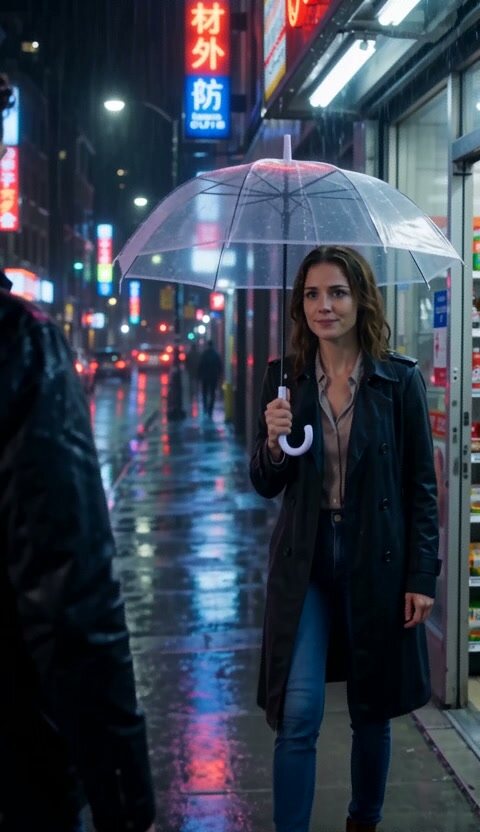
Made in InkFlick · 10 sec
The Umbrella She Didn’t Need
Starting idea: “Neon rain, one unopened umbrella, and someone late.”
Watch the film pageStart from the in-app Romance starter
Director Mode opens with story starters. Pick Romance and InkFlick fills in a premise you can keep, trim or rewrite before anything is filmed.
From there, choose One storyline to outline the arc to an ending, or Branching story to pick the next turn at the end of each episode. The script, cast and storyboards stay editable at every step, and the app shows the Credit cost before each generation.
Romance starter
“A disgraced heiress is hated by the whole internet — only her cold childhood friend stands by her”
Or film one scene with the Sweet Contract preset
In Quick Clip, the Sweet Contract preset sets up a contract-couple romance: “Marriage first, love later.” Its example idea is “First spark of a contract couple”.
Choose a length between 5 and 30 seconds, pick 9:16 portrait or 16:9 landscape, and InkFlick films one finished shot. If the moment deserves a sequel, move the idea into Director Mode and keep the same couple for the next episode.
How to make a romance drama in three steps
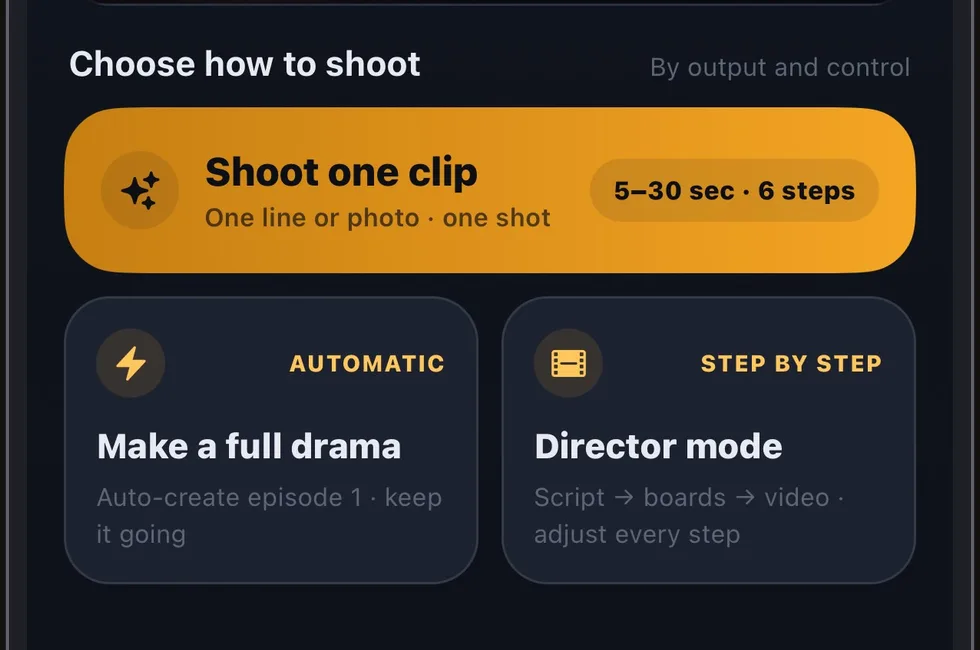
1. Choose a creation path
Open InkFlick and pick Quick Clip for one finished shot, or Director Mode for a love story that continues.
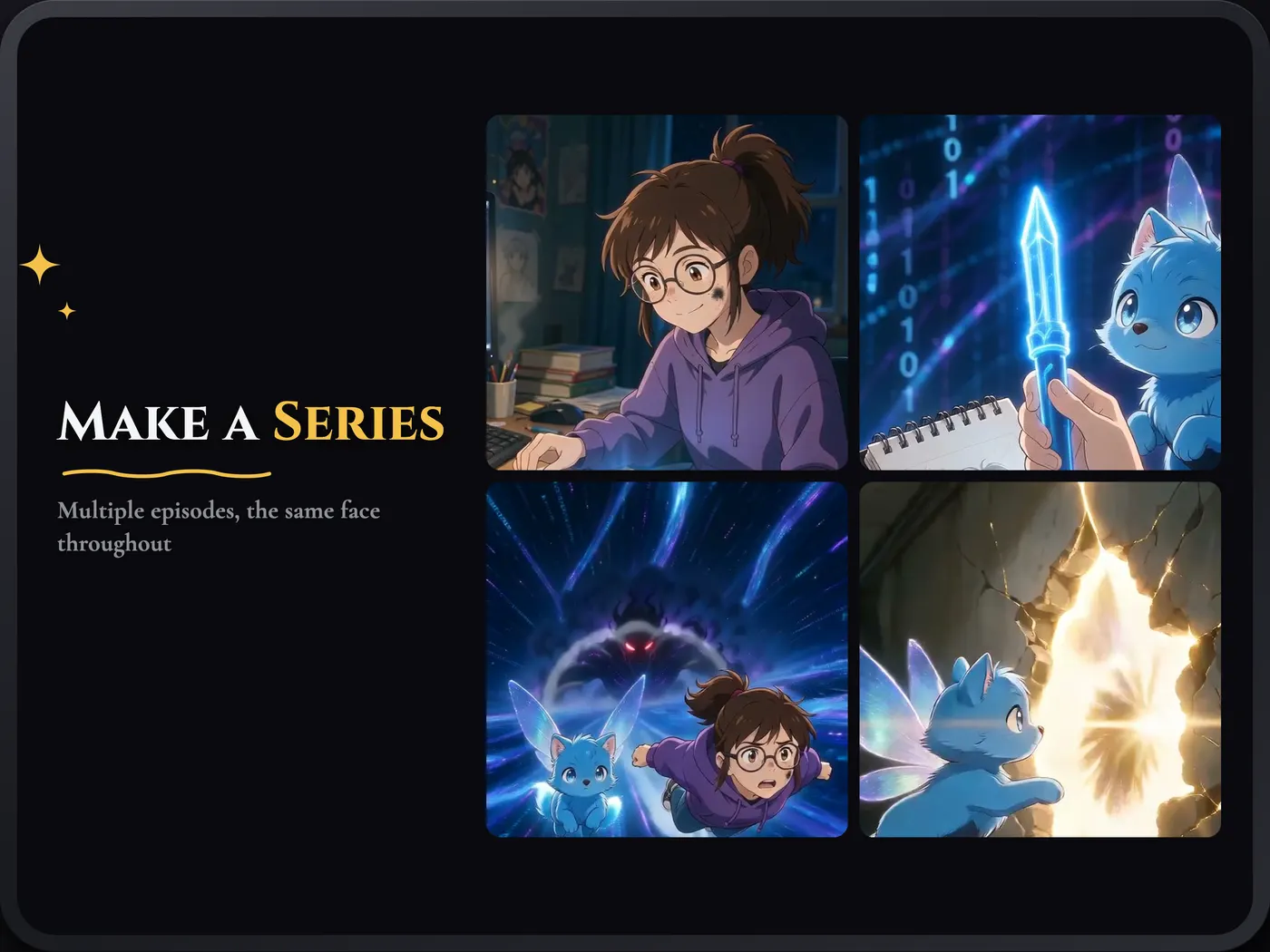
2. Cast the couple once
Create reusable actors from a photo or a description. Director Mode carries the same actors into later episodes.
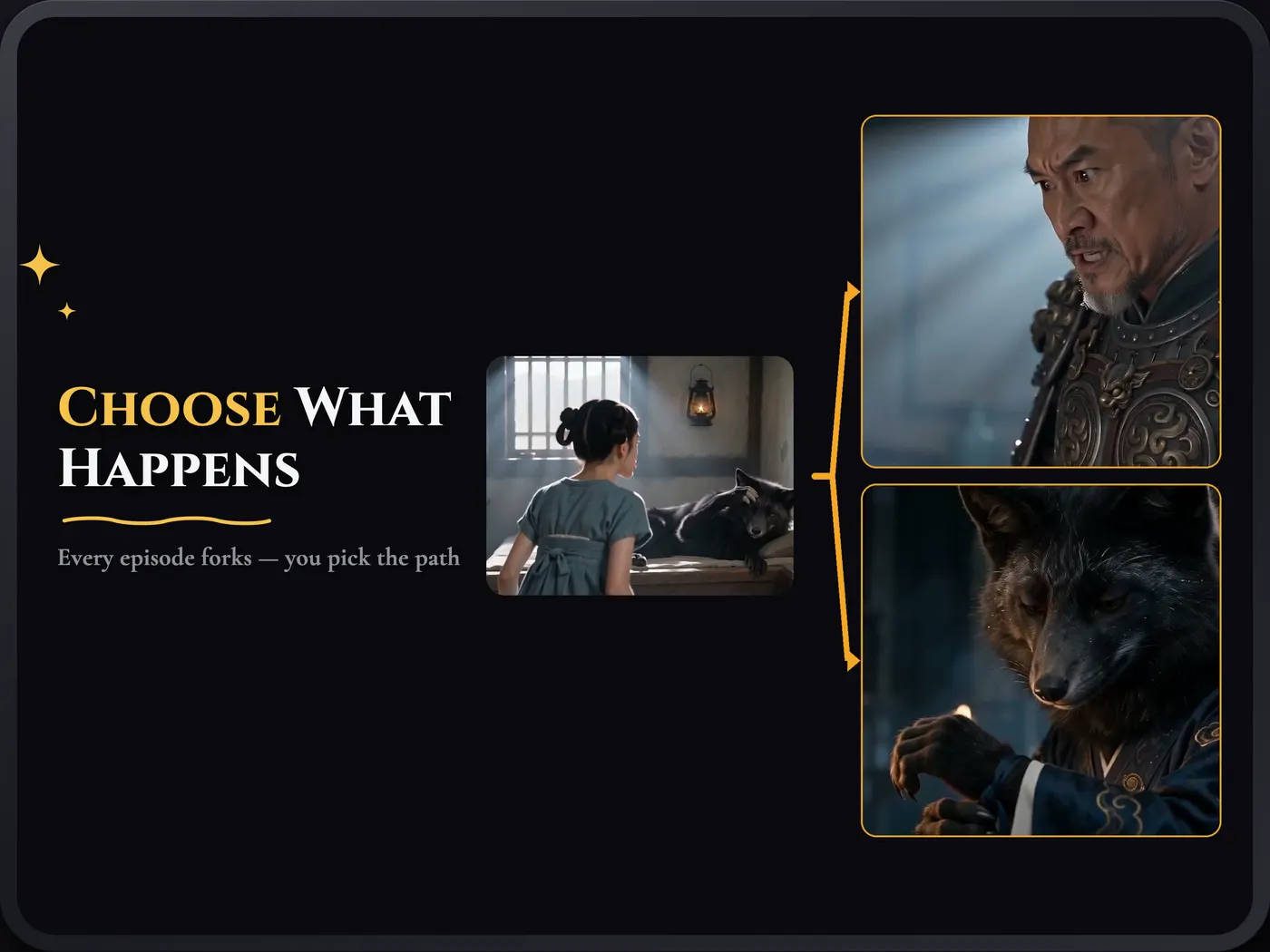
3. Decide what happens next
With Branching story, choose the next turn at the end of an episode and film from that exact moment.
Frequently asked questions
Can I make a romance series, not just one clip?
Yes. In Director Mode you shape the script, cast, storyboards and video step by step, then continue with new episodes that keep the same characters and visual world. Choose Branching story to pick the next turn at the end of each episode, or One storyline to outline the arc to an ending.
Can I put myself in the love story?
Yes. Create your first custom actor from a photo free, or design one from a description, then cast them in any story. Videos with photo-based actors need HD 720P or higher quality. Only upload photos of people who have agreed to it. Showcase also has Cast Me templates that put your lead into a ready-made title.
Can I make vertical videos for TikTok?
Yes. Choose 9:16 portrait (or 16:9 landscape) before you generate, then save or share the finished video. Subtitles can be exported as an .srt file.
What does it cost?
InkFlick is free to download and new users get 500 welcome Credits. AI generation uses Credits: the app shows the cost before you generate, and failed generations are refunded automatically.
Which visual styles work for romance?
Use Free style to let your words decide the look, or lock one of eight styles such as Anime, Webtoon, Photoreal or 3D. Photoreal needs HD 720P or higher.