

Official product guide
How InkFlick turns an idea into a short drama
This guide explains the current InkFlick workflow, which creation mode to choose, what Credits pay for, and how stories continue across episodes.
Product facts verified August 28, 2026
Fast answer
How do you make an AI video with InkFlick?
Write one line or add one photo, choose a visual style and duration, then generate. Quick Clip returns a finished 5–30 second shot without requiring a script or editing timeline.
- 01
Give it an idea
Write one line or attach one photo.
- 02
Choose the shot
Pick portrait or landscape, visual style, duration, and quality.
- 03
Let it film
InkFlick renders in the background and notifies you when it is ready.
Mode comparison
Quick Clip or Director Mode?
Choose the mode by the output you want and how much control you need.
Quick Clip
- Best for
- A single social-ready shot from a line or photo
- You control
- Style, duration, orientation, and quality
- Output
- One finished 5–30 second clip
Director Mode
- Best for
- Continuing series, novel adaptation, or step-by-step production
- You control
- Script, cast, storyboard, shots, quality, video, and later episodes
- Output
- An opening episode up to about 3 minutes, continued in episodes up to about 60 seconds
Novel to video
Can InkFlick adapt an existing novel?
Yes. Paste a chapter or import a supported document. Director Mode maps the source and can adapt it chapter by chapter while keeping a reusable cast and visual direction.
Supported input: pasted text up to 50,000 characters, .txt, .md, and .docx.
Transparent usage
What do InkFlick Credits pay for?
Credits are mainly spent on AI image and video generation. Writing and rewriting are intentionally inexpensive, so you can shape the story before paying for footage.
- 01Every new account receives 500 welcome Credits.
- 02Plus includes 2,800 monthly Credits and 15% off generation.
- 03Pro includes 7,500 monthly Credits and 25% off generation.
- 04The app shows the cost before generation, and failed generations are refunded automatically.
Verified product facts
What creators should know before starting
Does InkFlick require video editing?
Quick Clip needs no editing timeline. Director Mode exposes scripts, storyboards, and shot controls when you want to shape a longer story (an opening episode up to about 3 minutes) or a continuing series.
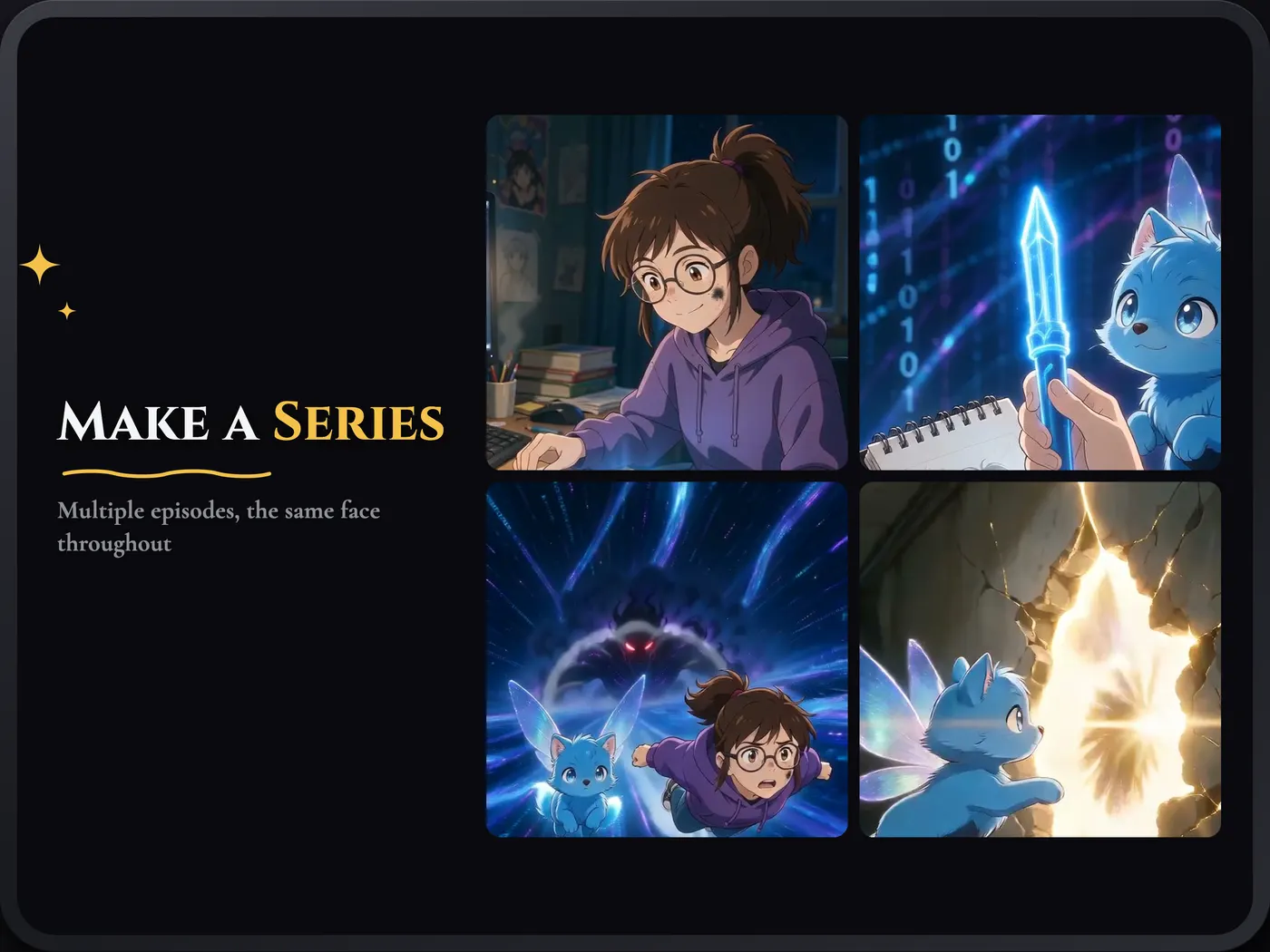
Can characters continue across episodes?
Yes. Reusable actors and the story engine are designed to carry identity and visual continuity into later episodes.
Does the app support sound?
Yes. InkFlick supports voiced dialogue and native sound, depending on the selected production settings.
Which languages are available?
English, Simplified Chinese, Traditional Chinese, Japanese, Korean, Spanish, Brazilian Portuguese, Indonesian, and Thai.
Choose a path and film the first scene.
Start with Quick Clip for one finished shot, or choose Director Mode when you want to shape the production or continue the story.