
TAKE 01
Start here
Quick Clip
Turn one line or one photo into a 5–30 second shot. No script to manage, no timeline to edit.
6 duration steps · portrait or landscape
AI short drama studio
Start with a Quick Clip: one finished 5–30 second shot. For a full story, Director Mode scripts an opening episode of up to about 3 minutes, then keeps the series going in episodes of up to about 60 seconds.
Free download for Windows, Mac, iPhone and iPad · AI generation uses Credits
Choose how to shoot
Two ways to shoot: start with Quick Clip for one finished shot, or open Director Mode when you want full episodes and a continuing series.
Start here
Turn one line or one photo into a 5–30 second shot. No script to manage, no timeline to edit.
6 duration steps · portrait or landscape
Full drama
Open with an episode of up to about 3 minutes, shaping the script, cast, storyboards, quality, and final video step by step. Then keep adding episodes of up to about 60 seconds as the story grows.
Script → boards → video
Actual app interface
Quick Clip is the path you can finish right away. Director Mode is the deliberate choice for scripts, boards, reusable cast, and continuing episodes.
6 duration steps · portrait or landscape
Script → boards → video
Published Showcase
These are real, published InkFlick outputs—not moodboards. Each began with a short idea and came back as a finished 5–30 second film. Director Mode episodes run longer.
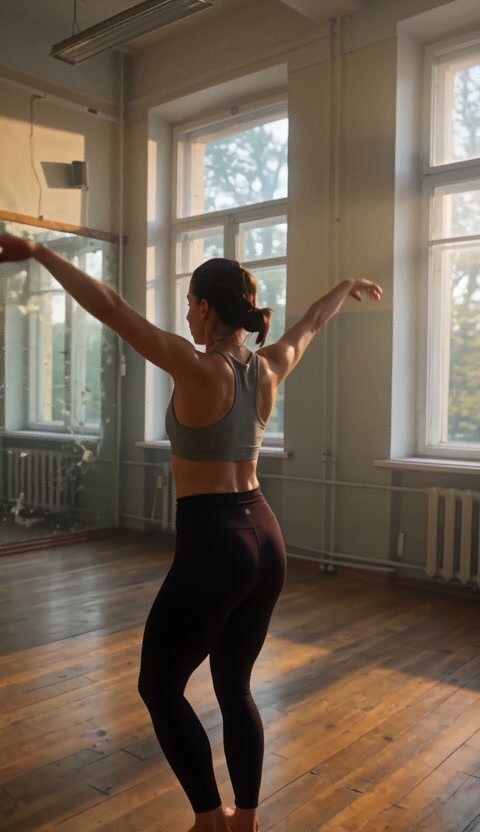
One last routine in an empty, sunlit studio.
Watch film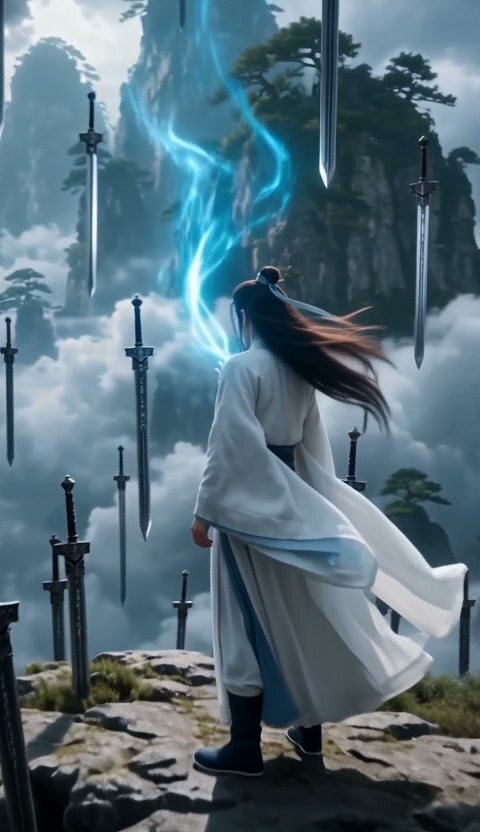
A buried sword answers its chosen hand with lightning.
Watch film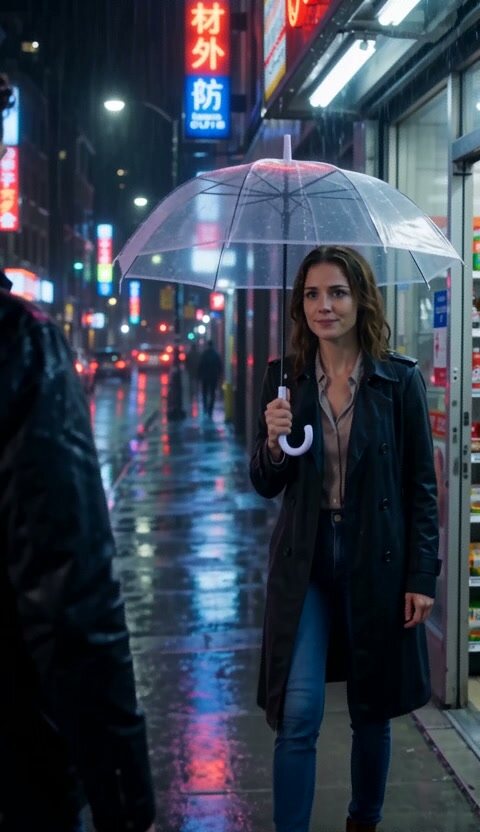
Neon rain, one unopened umbrella, and someone late.
Watch film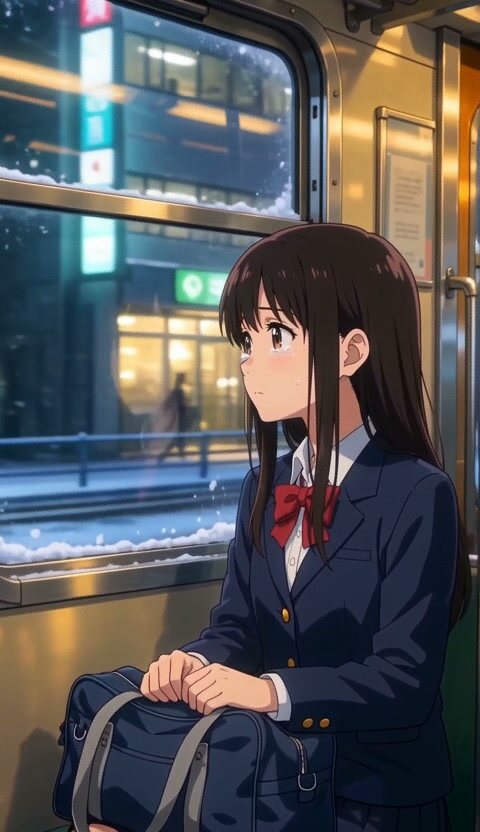
The last train home meets the first snow of the year.
Watch film
Cold refusals cut against warm street-style photographs.
Watch film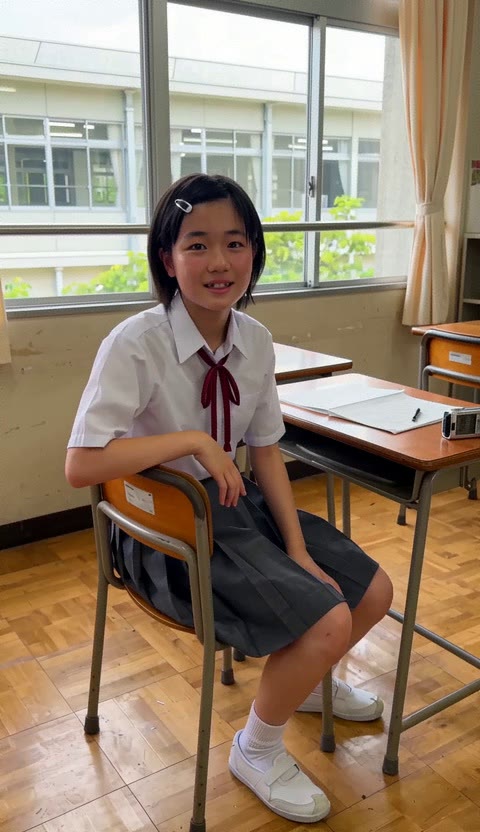
One ordinary summer school day, remembered like a precious home video.
Watch filmStory engine
A short drama should be able to continue. Carry characters from episode to episode, or fork the same moment into two different futures without rebuilding the world from zero.
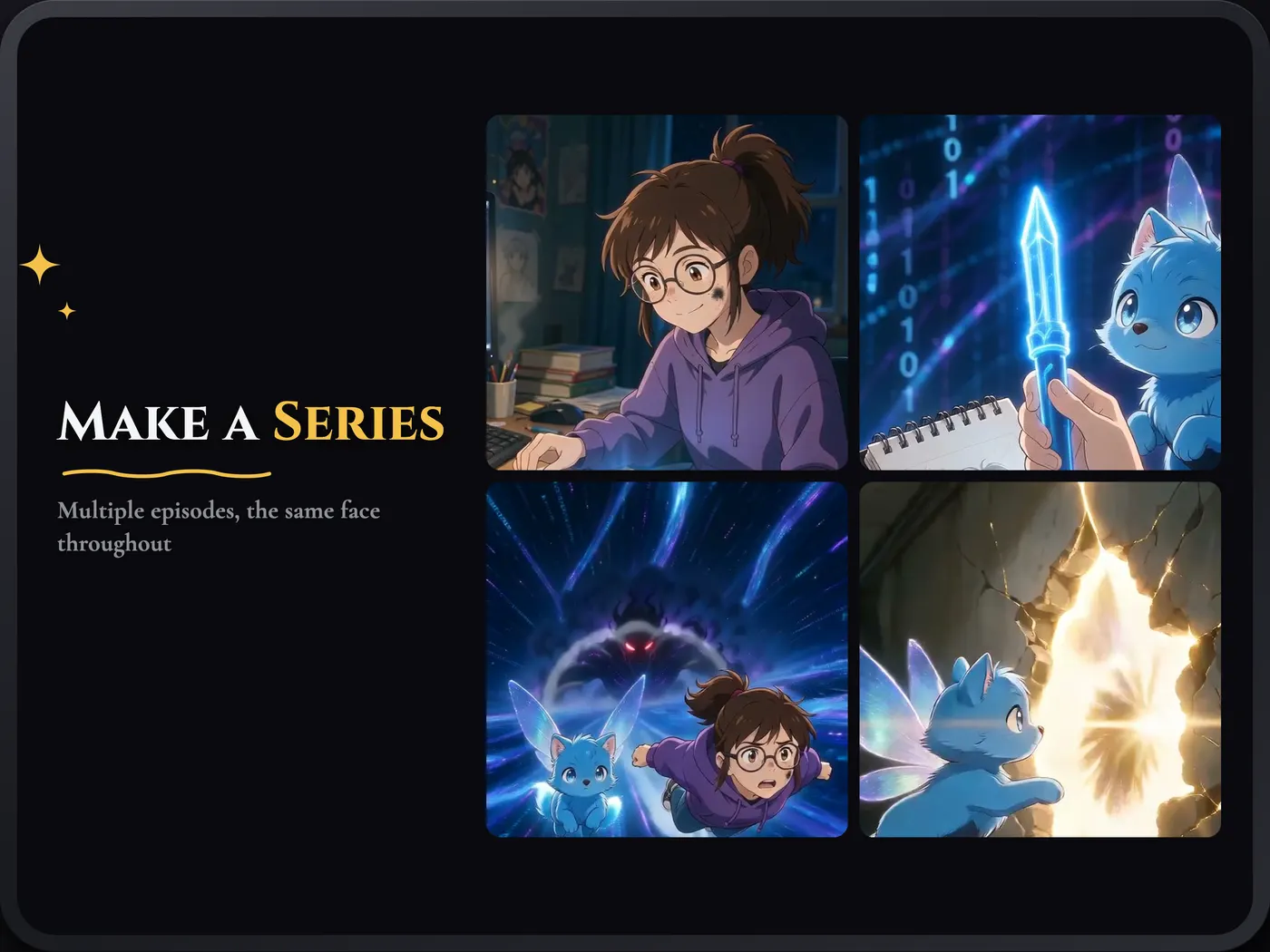
Continuing Episodes
Continue with a new episode while keeping the same characters and visual world in motion.
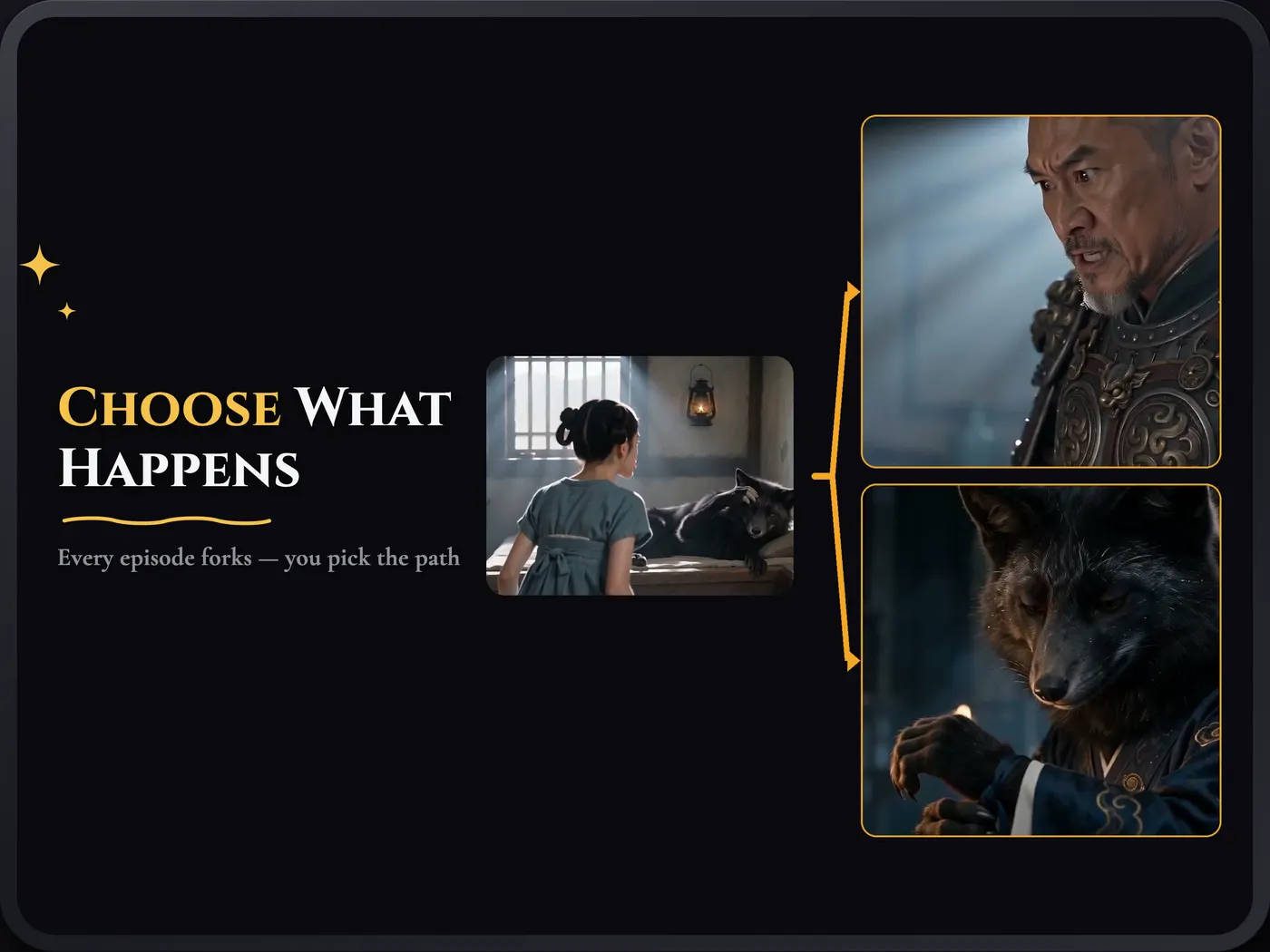
Interactive Plot
Pick a direction at the end of an episode and let the story branch from the exact moment you chose.

Your cast
Build a reusable actor from a photo or description, keep their identity across scenes, and place them in any story. Cast Me can even remake a Showcase title with your lead.
Visual direction
Quick Clip starts in Free style, so the image follows your words without a forced look. Or lock one of eight visual directions shared with the app.

Follow your words
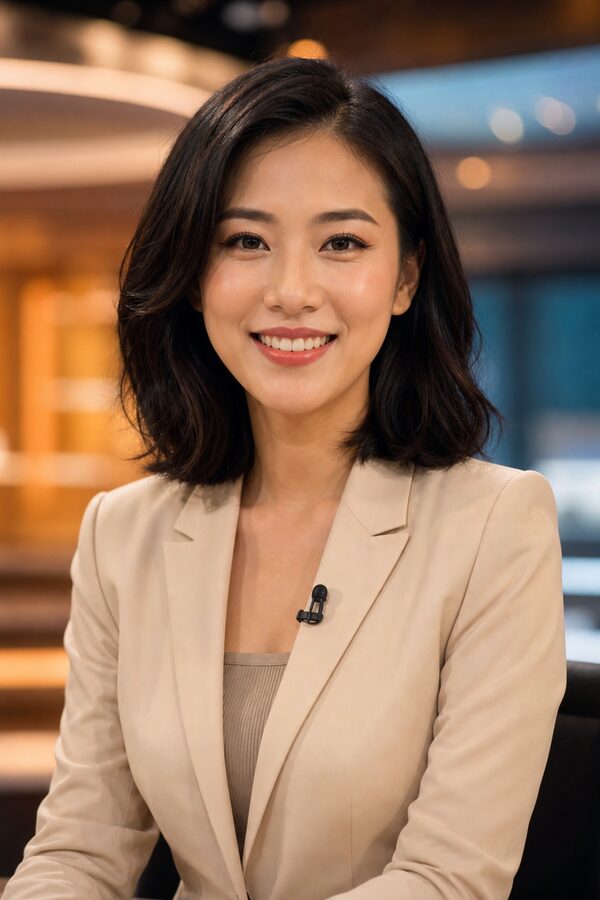
True-to-life

Animated depth

Japanese anime

Soft illustration

Korean manhwa

Bold ink
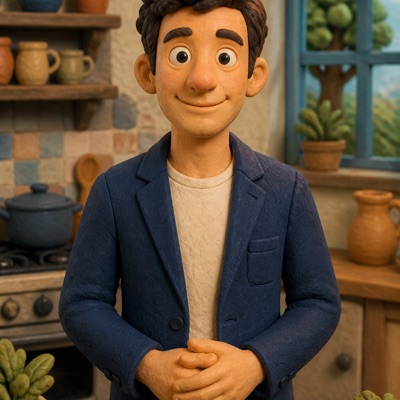
Stop motion
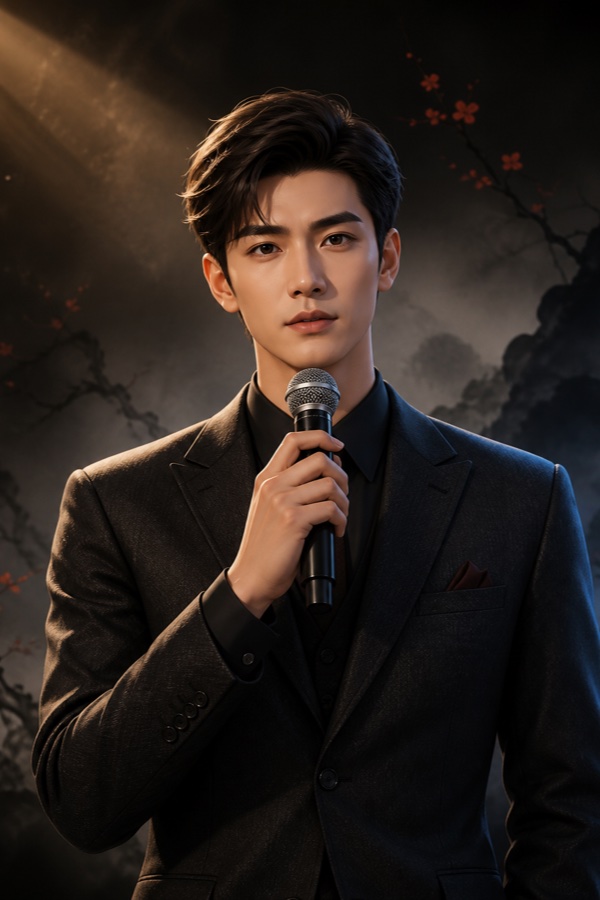
Epic 3D
Director’s workshop
InkFlick can automate the whole shoot, but it never hides the production. Review each stage, change only what needs changing, and keep moving.
Start with one rough line, paste a chapter, or import a document. AI Enhance helps turn the spark into a shootable idea.
Use an AI-designed lead, create a reusable actor, or start from a photo of a person, pet, product, or place.
Review the script and visual plan before spending Credits on the final film. Redraw individual frames when needed.
Choose the length and quality, render in the background, then save or share the finished video.
Your first call sheet
Welcome Credits for every new user
Download InkFlick, choose a creation path, and turn the next line in your notes—or the next photo in your camera roll—into something you can watch.
AI generation uses Credits; cost varies by duration, quality, and engine.